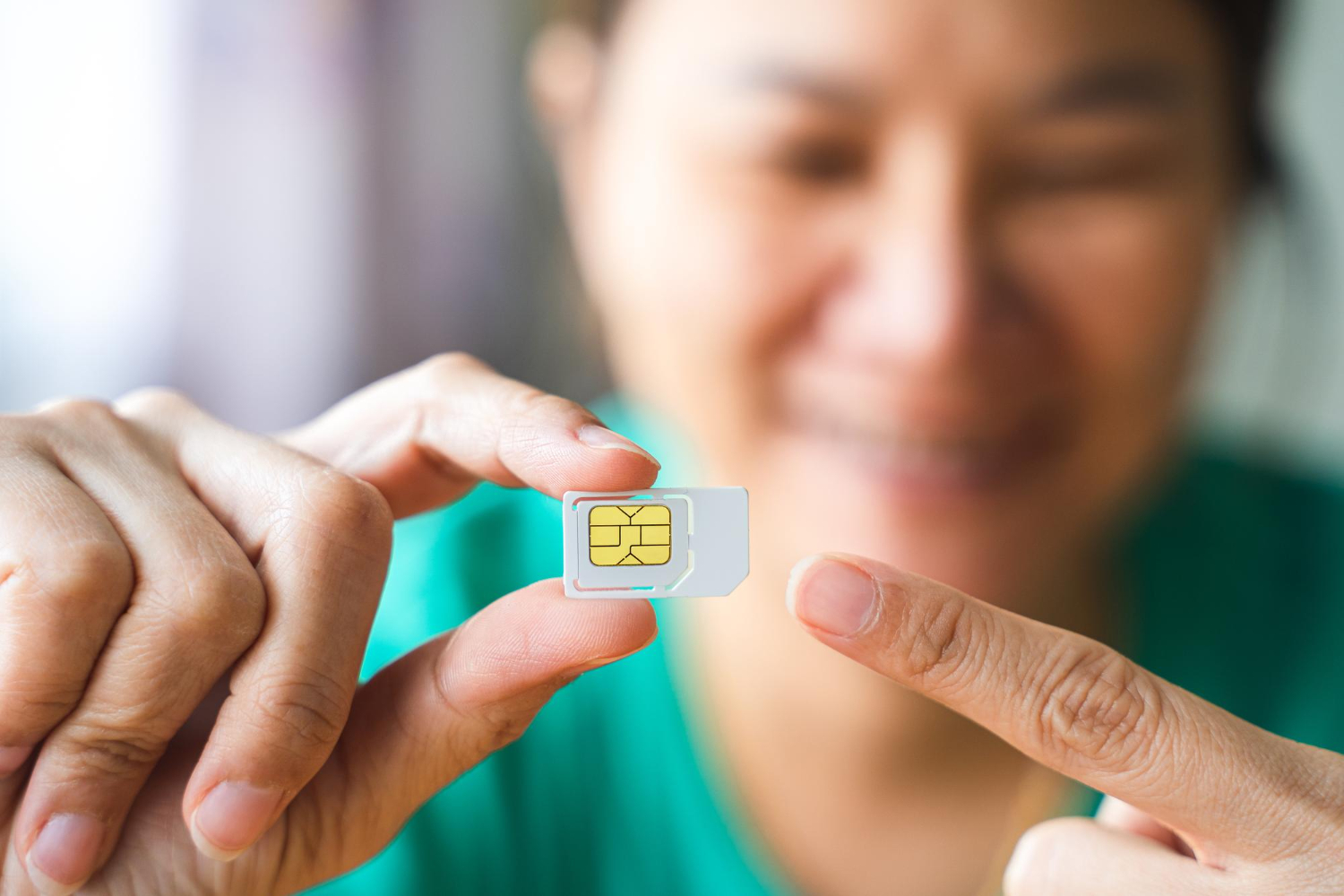
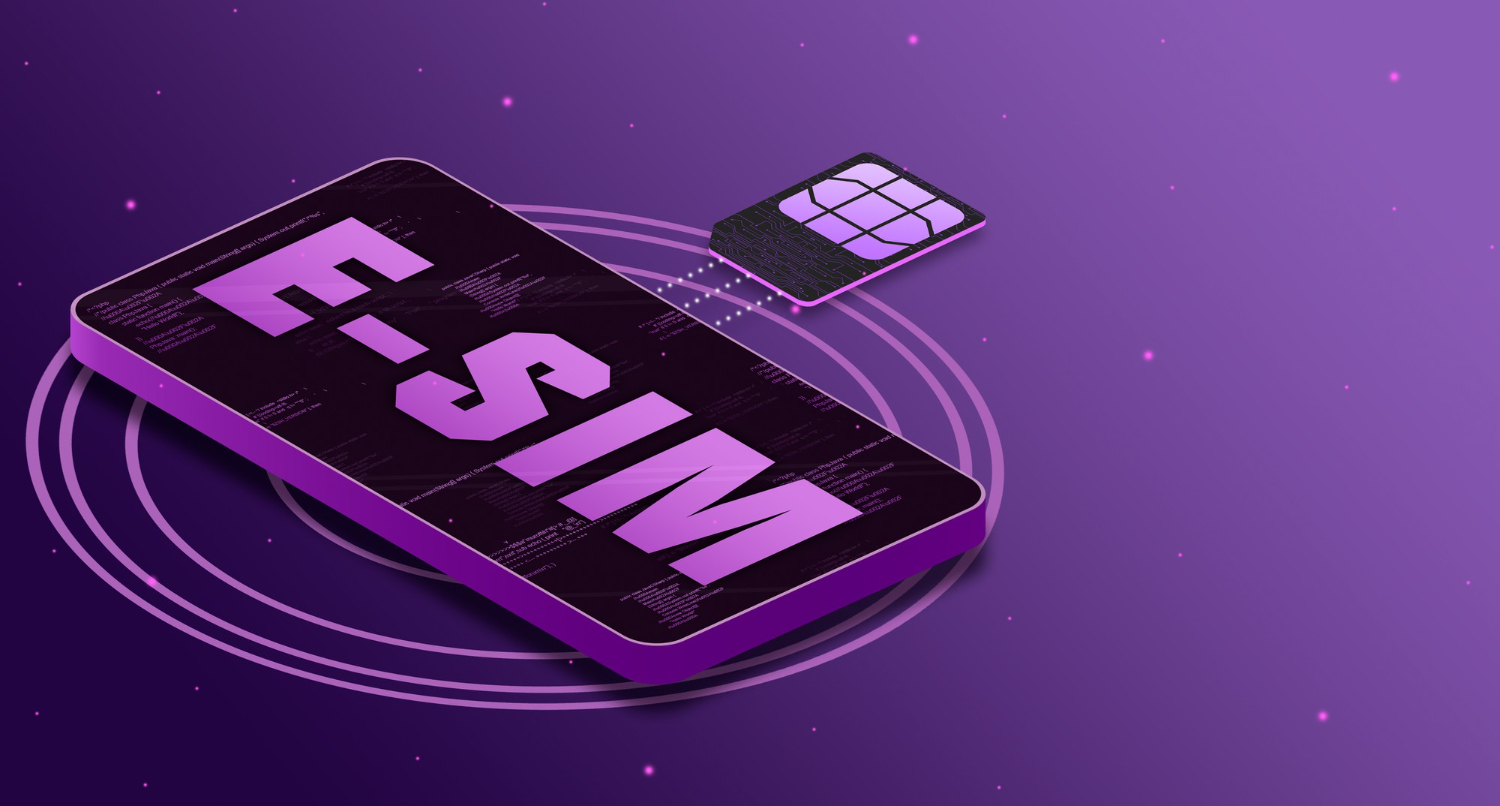
For modern travelers, connectivity is essential. Yet, managing physical SIM cards can be cumbersome: repetitive purchases in each country, manual card swapping, high roaming fees… This is where the eSIM comes in, a modern solution that radically simplifies access to mobile data. More details on the different types of plans available, how to install, and activate your eSIM plan.
The different eSIM plans
Forget the constraints of physical cards: with a Vostra eSIM, you can instantly download your plan and connect to the local network without interruption, wherever you are in the world.
Depending on your needs, you can choose from several types of eSIM plans:

Local eSIM Plans
A local plan allows you to get a number and an Internet connection in a specific country. This is the ideal solution if you plan to stay long in a single destination and want to benefit from local rates.
Regional eSIM Plans
Regional plans cover several countries in the same geographical area. They are perfect for travelers visiting multiple countries without wanting to change subscriptions at each border. For example, Vostra offers plans for:
- Europe: Convenient for a road trip or a business trip across several European countries.
- Asia: Ideal for a digital nomad exploring Southeast Asia.
- Latin America: A simple solution for traveling between Mexico, Argentina, Brazil, and other countries in the region.
Global eSIM Plans
If you are a frequent traveler and visit several continents, a global eSIM plan is the best option. This type of plan works in over 200 countries, which means you never have to worry about changing SIMs or paying excessive roaming fees.
How to get an eSIM?
Getting an eSIM with Vostra is a quick and simplified process:
- Go to Vostra.world and select your destination country or region.
- Choose a plan suited to your needs (data volume, validity period).
- Complete the purchase and immediately receive your eSIM by email.
Installation and activation

How to install an eSIM?
Once your eSIM is purchased, there are several methods to install it:
- QR code: Scan the QR code received by email in your phone settings.
- Manually: Enter the provided configuration information (SM-DP+ address and activation code).
How to activate an eSIM?
Once installed, the eSIM will activate automatically as soon as you connect to a compatible mobile network. It is recommended to activate your plan before departure to avoid any technical problems once you arrive.